Raindrop alternative
A Raindrop alternative that lives on your new tab
Raindrop is a strong cloud bookmark library. Tabisto takes a different path: a local-first visual bookmark manager that puts your links on every new tab, with workspaces, sessions, and free sync. Here is how they compare and which fits your job.
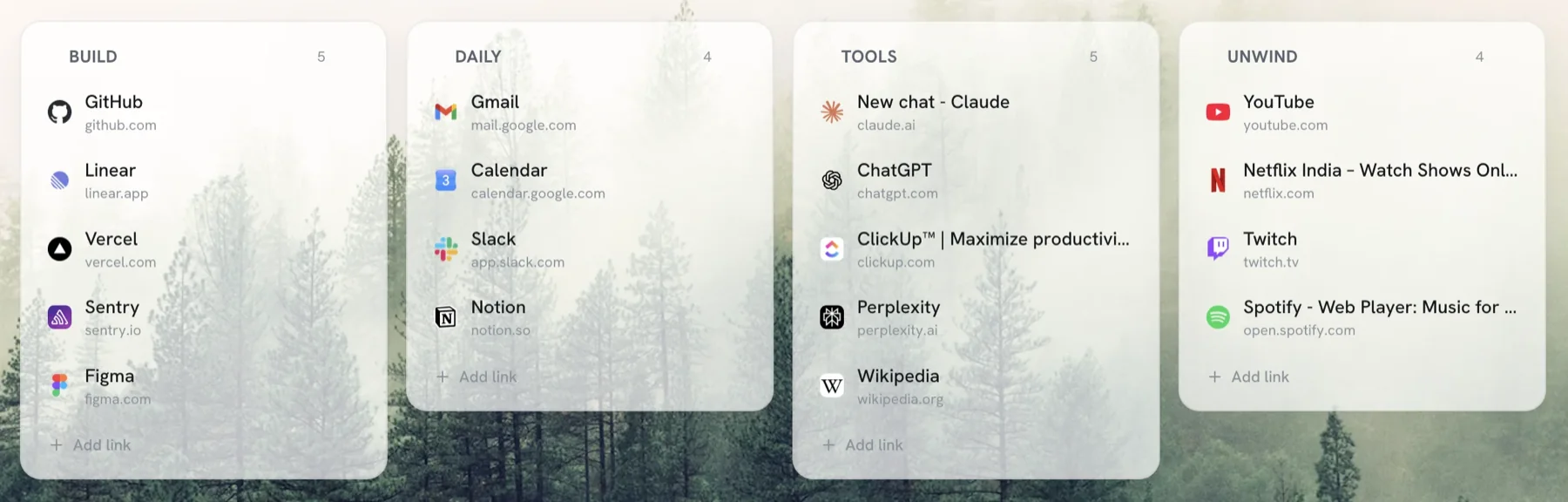
If you want a Raindrop alternative, the honest answer depends on the job. Raindrop is a cloud-first bookmark library with tags, collections, and mobile apps. Tabisto is a local-first visual bookmark manager that puts your bookmarks on the Chrome new tab page, with workspaces, saved tab sessions, notes, and free sync. One is a place you open to file links. The other meets you every time you open a tab.
Both are good. They just solve the bookmark problem from opposite ends. This page lays out where each wins so you can pick without buyer's remorse.
Quick comparison
| Raindrop | Tabisto | |
|---|---|---|
| Core model | Cloud bookmark library | Visual bookmarks on the new tab |
| Where links live | A separate app or tab | Every new tab you open |
| Organization | Collections and tags | Sections and workspaces |
| Tabs and sessions | No | Saved tab sessions |
| Offline | Limited | Full, local-first |
| Sync cost | Free tier, paid for more | Free for any signed-in user |
| Mobile apps | Yes | No (Chromium browsers) |
Where Raindrop wins
Give Raindrop its due. It is genuinely cross-platform, with real iOS and Android apps and browser support beyond Chromium, so the same library follows you to a phone. Its tagging and full-text search are strong for a large research collection, and it can store article previews and permanent copies on paid plans.
If your main need is archiving and tagging hundreds of articles across a phone and several computers, Raindrop is built for that. Tabisto is not trying to be that tool.
Where Tabisto wins
The gap most people feel with Raindrop is friction: it is a place you have to open. Out of sight, out of mind. Bookmarks you filed neatly still need you to go look for them.
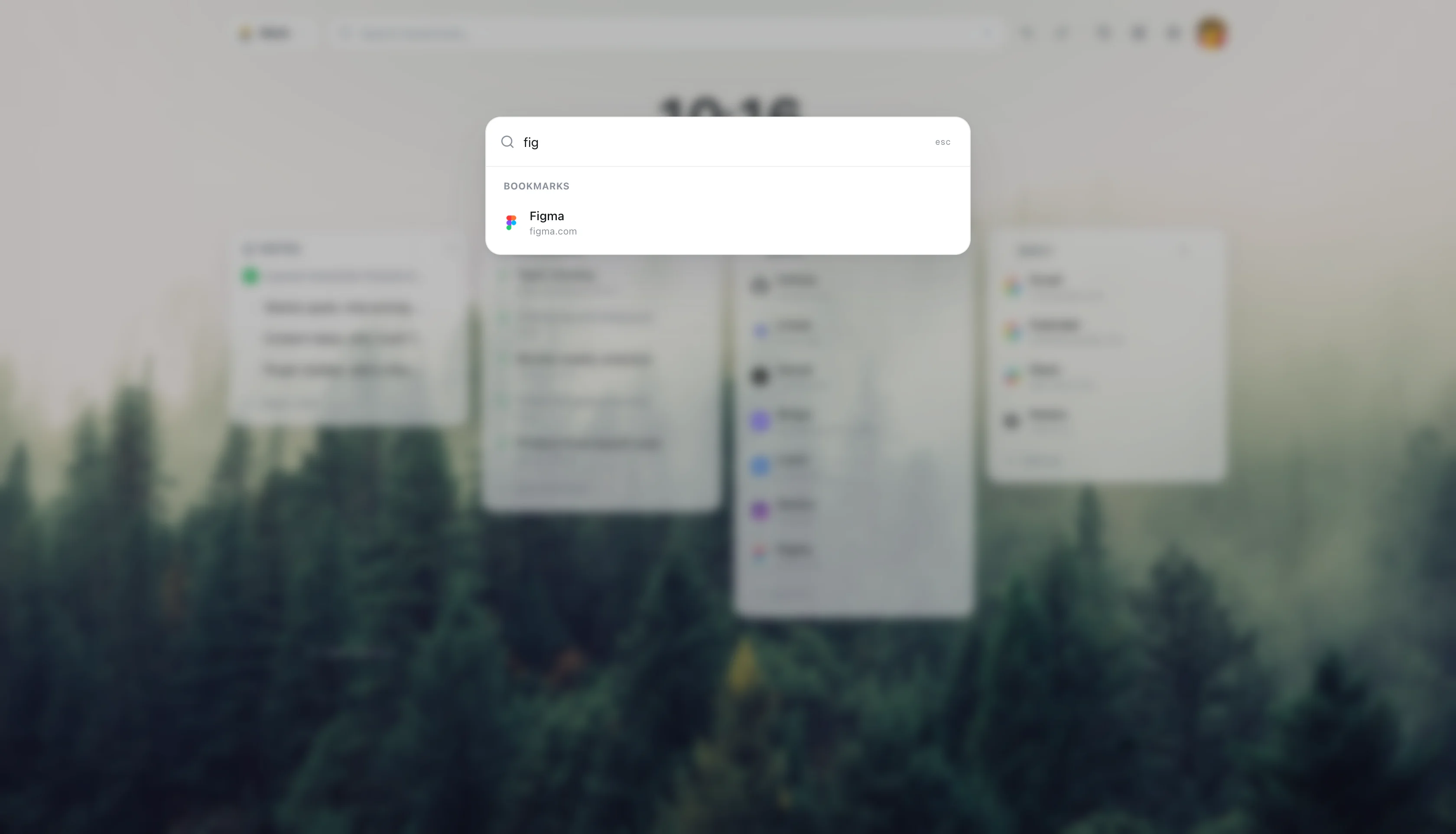
Tabisto removes that step. Your bookmarks sit on the new tab page as a visual grid, organized into sections and separate workspaces, so you see them every time you open a tab. It is local-first, so it loads instantly and works fully offline, and sync across devices is free for anyone signed in rather than a paid upgrade. It imports your existing Chrome bookmarks in one step.
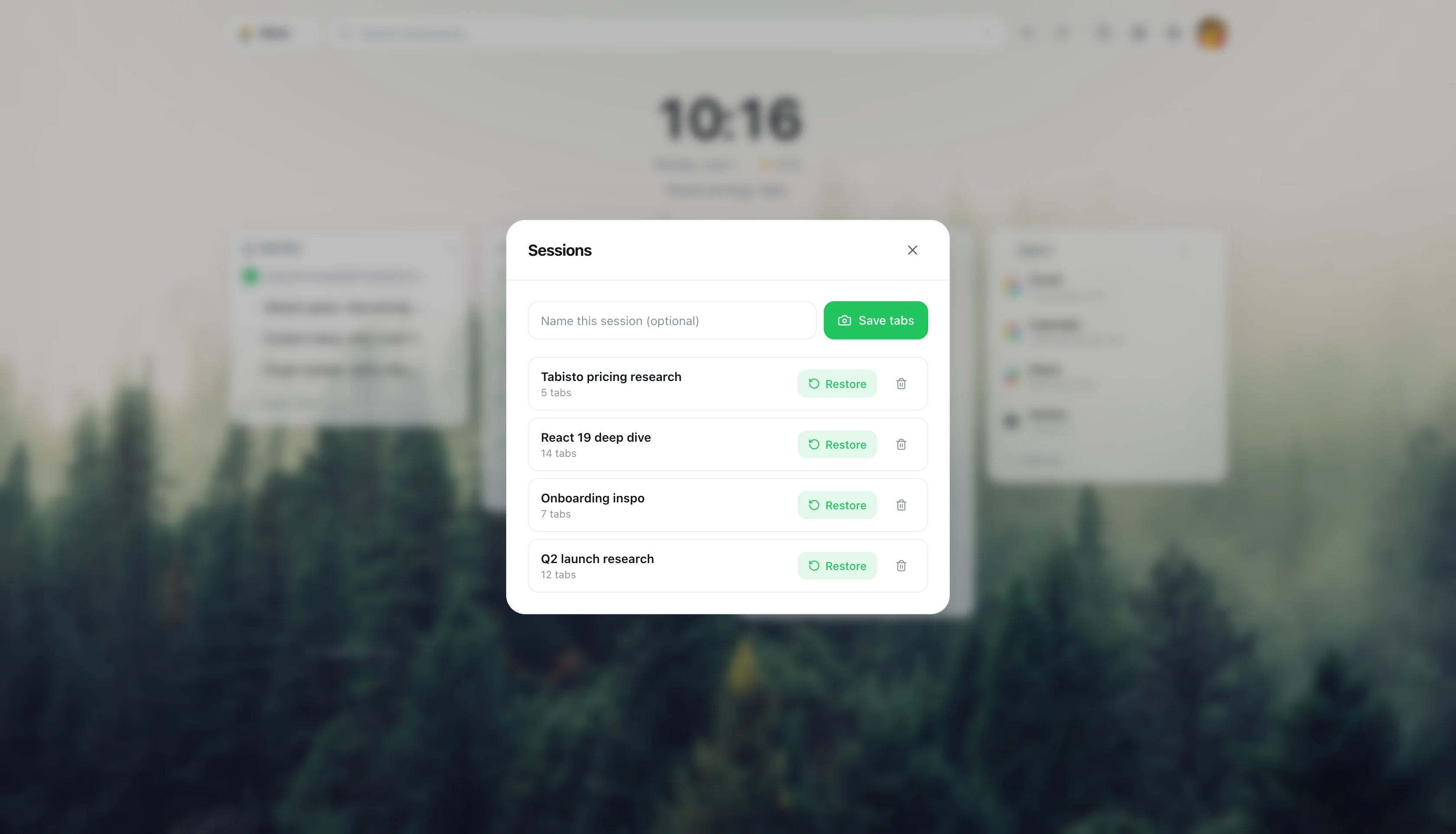
It also does things a pure bookmark library does not: a Cmd+K command palette across all workspaces, quick notes, reminders that fire as Chrome notifications, and saved tab sessions you restore in one click.
Who should switch, who should not
Switch to Tabisto if your real pain is "my bookmarks are buried and I never see them," you live mostly in Chrome or another Chromium browser, and you want sync without paying for it.
Stay with Raindrop if you need mobile apps, heavy tagging for a large archive, or article snapshots. You can also run both: Tabisto for the links you reach for daily, Raindrop for the deep archive.
If you are weighing several tools, our roundup of the best free bookmark manager for Chrome compares the main options honestly, and our take on visual bookmarks vs folders explains why a visual layout beats hunting through collections.
Moving your Raindrop bookmarks over
You will not lose anything. Export your Raindrop bookmarks to an HTML file, import that into Chrome's bookmark manager, then use Tabisto's Import Bookmarks setting. Tabisto reads your Chrome bookmarks directly, so your collection comes across and the originals stay put. From there you arrange the active ones into sections and workspaces.
Frequently asked questions
What is the best Raindrop alternative for Chrome?
It depends on your job. For putting bookmarks on your new tab and reaching them instantly, Tabisto is a strong free Raindrop alternative. For a cross-platform tagged archive with mobile apps, the closest alternatives stay cloud-first like Raindrop itself. Match the tool to whether you want to see your links or archive them.
Is Tabisto a free Raindrop alternative?
Yes. Tabisto's free plan covers 2 workspaces, 25 bookmarks, 1 saved session, and 3 reminders, with the command palette, notes, themes, offline use, and cloud sync included. Pro at $3.99 a month or $35.88 a year removes the limits. Sync is free on both plans.
Does Tabisto have tags and collections like Raindrop?
Tabisto organizes bookmarks into visual sections and separate workspaces rather than tag-based collections. For most people that is faster to use day to day, because you recognize a link in a grid instead of recalling a tag. For a large archive that you filter by many tags, Raindrop's model fits better.
Can I use Tabisto on my phone like Raindrop?
Not yet. Tabisto runs in Chrome and other Chromium desktop browsers, with a Firefox build, and syncs across them. Raindrop has dedicated mobile apps. If phone access is essential, keep Raindrop for mobile and use Tabisto on the desktop where you do most of your browsing.
Are there other Raindrop alternatives worth trying?
Yes. Chrome's built-in bookmark manager is free and zero-setup but has no visual layout. Other new tab and bookmark tools each trade off differently on tags, offline use, and price. Our best free bookmark manager guide compares the main Raindrop alternatives side by side.