Pocket alternative
Pocket alternative: your saved links, on every new tab
With Pocket winding down, the question is where your saved links live next. Tabisto is a free, local-first visual bookmark manager for Chrome that puts your links on the new tab, with workspaces, sessions, and notes. Here is how it compares and where it fits.
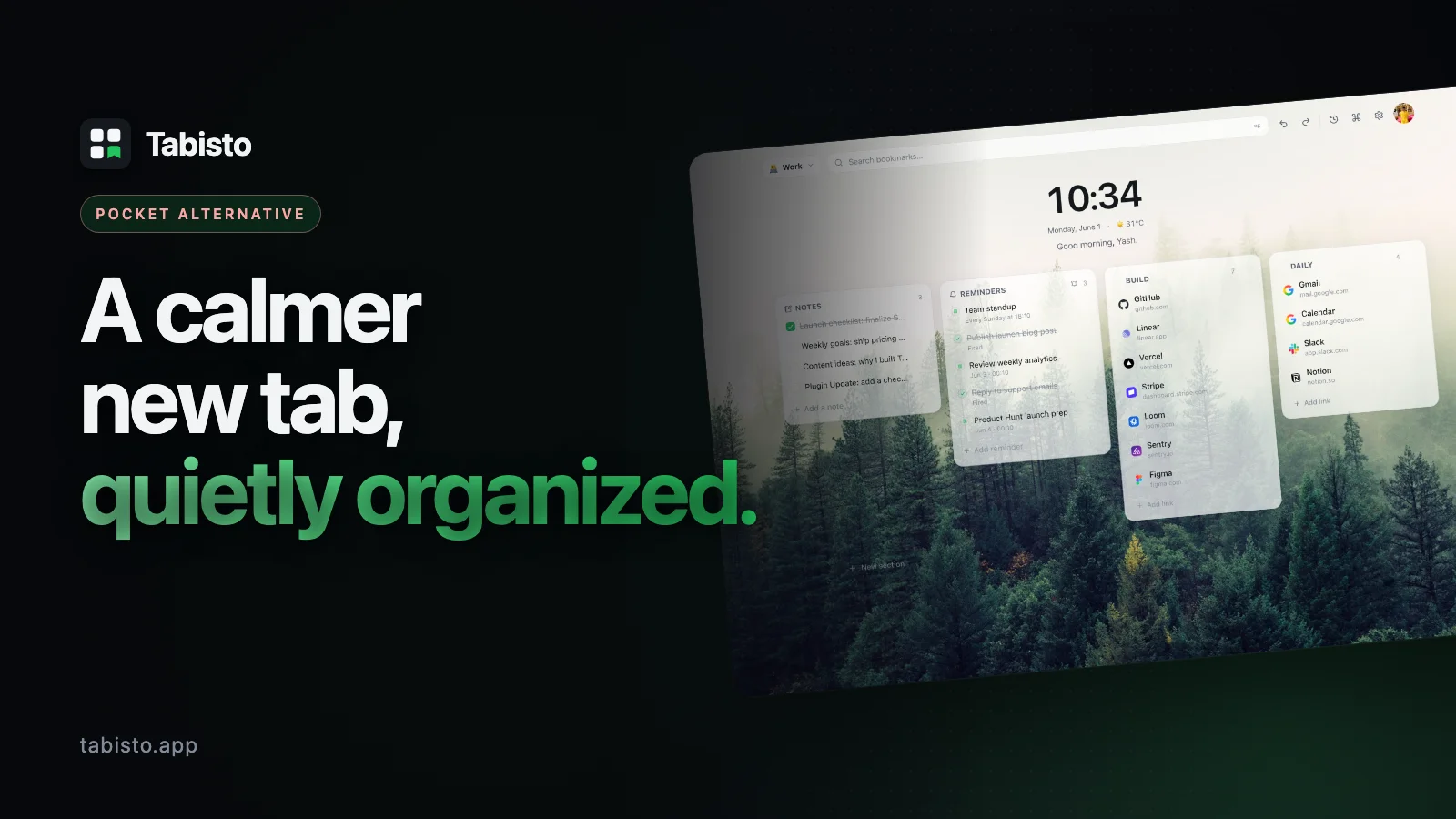
If you want a Pocket alternative, the honest answer depends on what you used Pocket for. Pocket was a read-it-later app: save an article, get a clean reader view, read it on a phone later. Tabisto is a visual bookmark manager that keeps your saved links on the Chrome new tab, organized into sections and workspaces. It is the better fit for the "save a link and actually find it again" job, not for offline article reading.
With Pocket being wound down, a lot of people mainly want a reliable home for the links they were saving. That is exactly what Tabisto does.
Quick comparison
| Tabisto | ||
|---|---|---|
| Core job | Read-it-later articles | Organize and reach saved links |
| Where links live | A separate app or list | Every new tab you open |
| Reader view | Yes | No |
| Organization | Tags and a long list | Sections and workspaces |
| Offline | Article copies | Full, local-first |
| Mobile apps | Yes | No (Chromium browsers) |
| Price | Free tier, paid Premium | Free, Pro optional |
Where Pocket was strong
Give Pocket its due. Its reader view stripped articles down to clean text, its mobile apps let you read anywhere, and Premium kept permanent copies and full-text search. If your need is genuinely reading long articles later, on a phone, offline, that is a reader-app job, and a dedicated read-it-later tool fits it better than a bookmark manager.
Tabisto does not try to be that. It does not give you a reader view or store article copies.
Where Tabisto wins
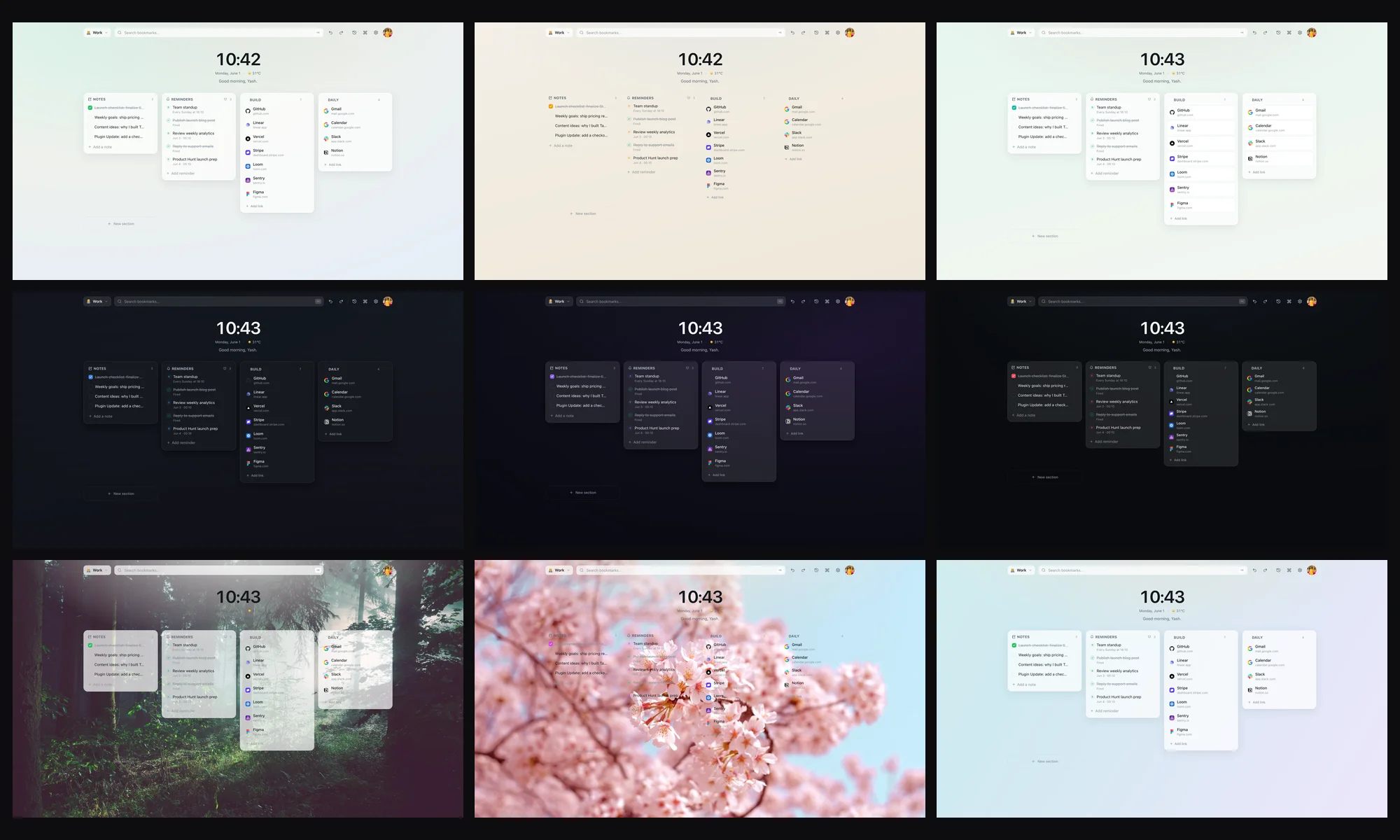
For most people, Pocket quietly became a place links went to be forgotten. You saved them, then never opened the app. Tabisto fixes that by putting your links where you already look: the new tab. They sit as a visual grid, organized into sections and separate workspaces, so you see them every time you open a tab instead of digging through a list.
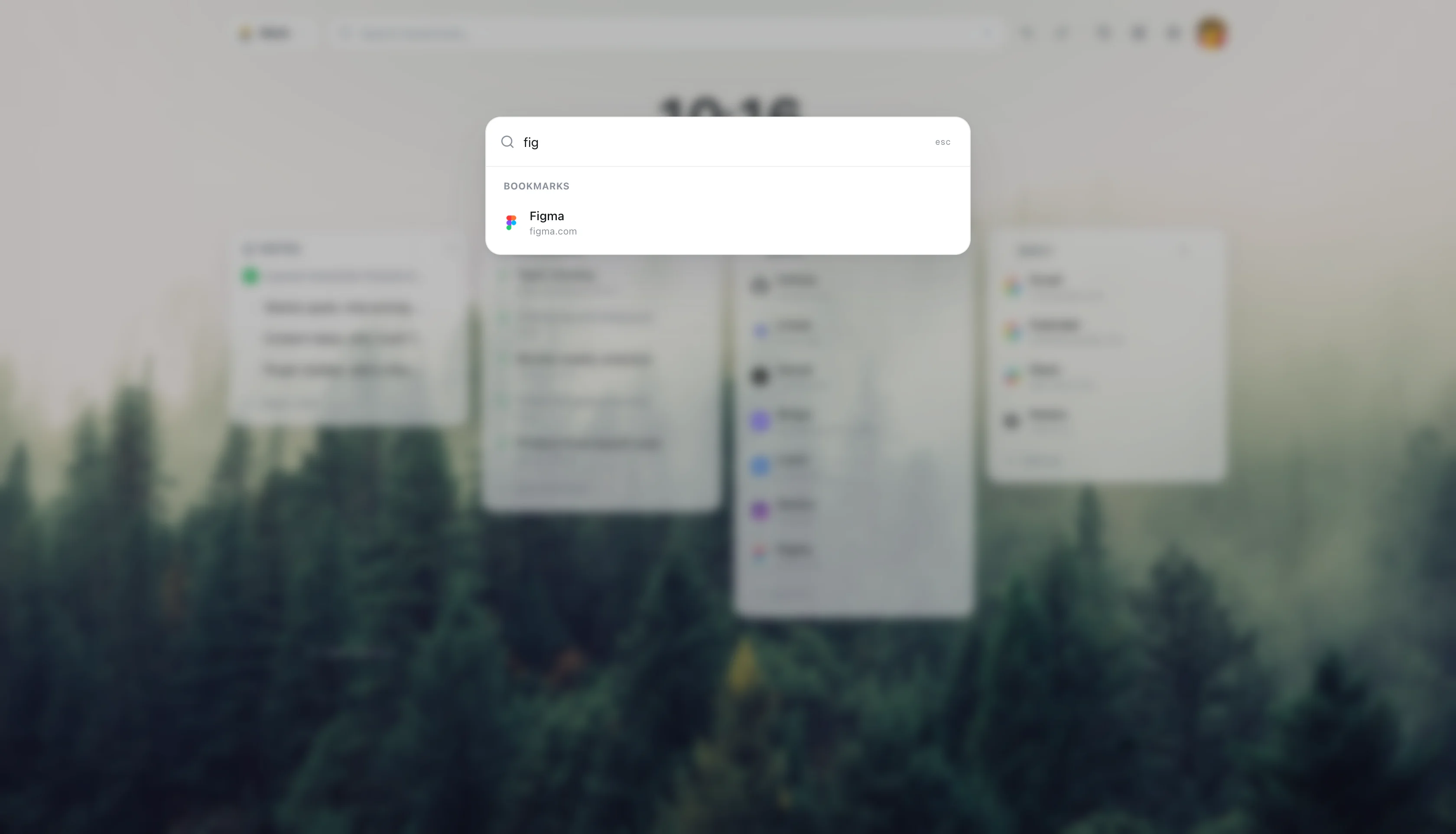
It is local-first, so it loads instantly and works offline, and sync across devices is free for anyone signed in rather than a paid upgrade. It imports your existing Chrome bookmarks in one step, and adds a Cmd+K command palette, quick notes, reminders, and saved tab sessions.
Who should switch, who should not
Switch to Tabisto if you mostly saved links to come back to and want them organized and visible, you live in Chrome or another Chromium browser, and you want that without a subscription.
Stay with a dedicated read-it-later tool if your core need is a phone reader view and offline article copies. You can also do both: keep a reader app for articles, use Tabisto as the organized home for everything else.
If you are weighing tools, our roundup of the best free bookmark manager for Chrome compares the main options, and our guide on organizing bookmarks in Chrome helps you clean up before you import.
Moving your Pocket links to Tabisto
You will not lose anything. Export your Pocket list (Pocket offers an HTML export of your saved URLs), import that file into Chrome's bookmark manager, then use Tabisto's Import Bookmarks setting. Tabisto reads your Chrome bookmarks directly, so your saved links come across and you arrange the ones you still want into sections and workspaces.
Frequently asked questions
What is the best Pocket alternative for saved links?
It depends on the job. For organizing saved links and reaching them from every new tab, Tabisto is a strong free Pocket alternative. For reading long articles later with a clean reader view on mobile, a dedicated read-it-later app fits better. Match the tool to whether you want to organize links or read articles offline.
Is Tabisto a free Pocket alternative?
Yes. Tabisto's free plan covers 2 workspaces, 25 bookmarks, 1 saved session, and 3 reminders, with the command palette, notes, themes, offline use, and cloud sync included. Pro at $3.99 a month or $35.88 a year removes the limits, and sync is free on both plans.
Does Tabisto have a reader view like Pocket?
No. Tabisto is a visual bookmark manager and new-tab dashboard, not a read-it-later app. It does not give you a reader view or store offline copies of articles. It is built to organize and reach your saved links quickly, not to read them inside the tool.
How do I move my Pocket saves to Tabisto?
Export your saved URLs from Pocket as an HTML file, import that into Chrome's bookmark manager, then use Tabisto's Import Bookmarks setting. Tabisto reads your Chrome bookmarks directly, so your links come across and the originals stay put.
Are there other Pocket alternatives worth trying?
Yes. Among Pocket alternatives, dedicated read-it-later apps fit article reading, while bookmark managers like Tabisto fit organizing and reaching saved links. Chrome's built-in bookmarks are free but have no visual layout. Our best free bookmark manager guide compares the main options side by side.